The $0 Secret to High-Converting E-Commerce Images in 2026
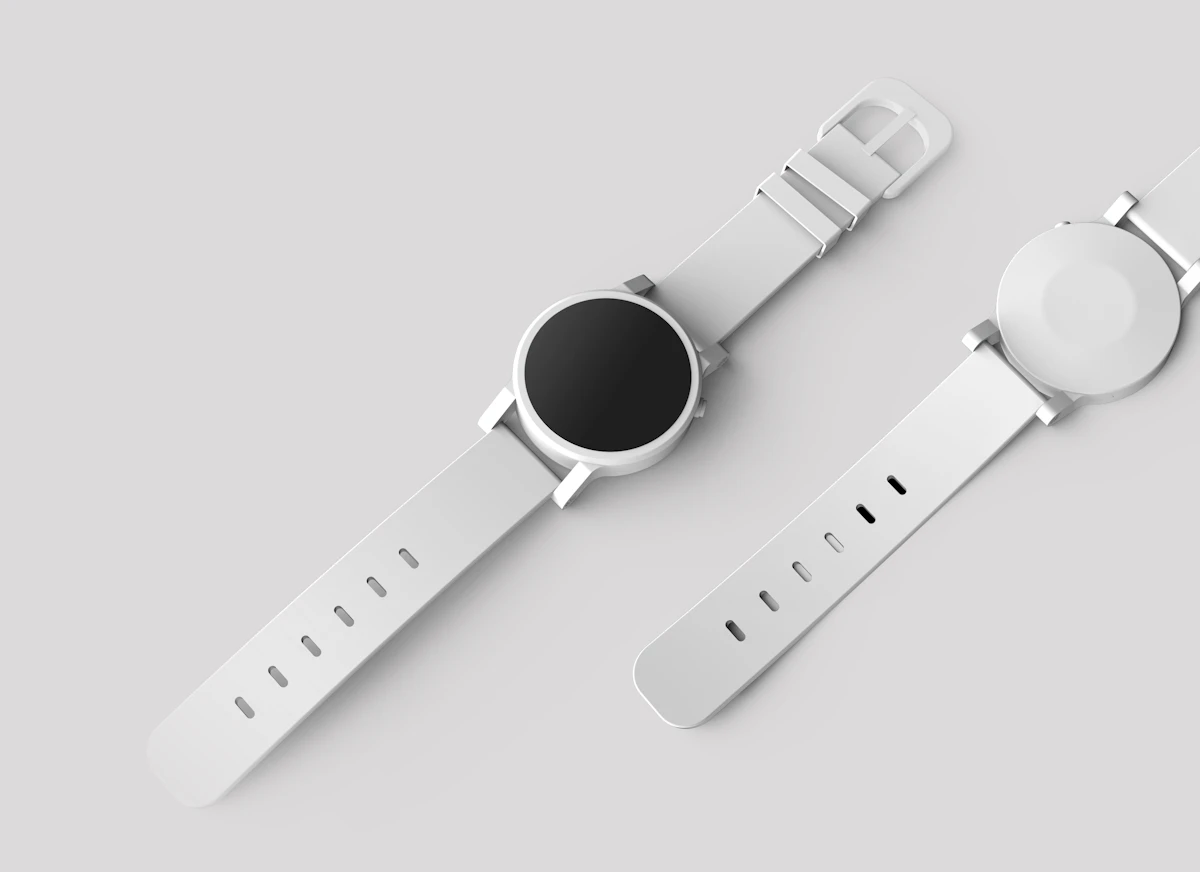
How to Create Professional Product Photos in 2026 (Without Photoshop or Expensive Equipment)
If you run an online store, sell products on marketplaces, or promote products through social media, your images are either building trust or quietly destroying it.
Most small business owners, digital marketers, and independent e-commerce sellers understand that clean, professional product photos increase conversions. The problem is that traditional photo editing workflows are slow, expensive, and frustrating.
Hiring a professional editor for every product image is unrealistic for many growing businesses.
And spending hours manually tracing product edges inside complicated editing software is not exactly scalable either.
As a result, many businesses upload cluttered, inconsistent, or poorly optimized product photos that create serious conversion problems.
- Lower Trust: Shoppers associate messy visuals with unprofessional businesses.
- Higher Bounce Rates: Distracting backgrounds pull attention away from the product itself.
- Marketplace Issues: Platforms like Amazon and Google Shopping often prefer or require clean white backgrounds.
- Poor Mobile Experience: Unoptimized images slow websites and hurt engagement.
The good news is that you do not need a professional studio or advanced Photoshop skills to fix these problems.
You simply need a smarter workflow.
Before discussing the fastest AI-powered solution, let’s look at five practical strategies that dramatically improve product photography quality and e-commerce performance.
5 Practical Product Photography Tips That Increase Conversions
1. Optimize Image Filenames for SEO
Most businesses ignore image SEO completely.
Uploading files named IMG_4837.jpg wastes an important ranking opportunity.
Instead, rename product photos using descriptive keywords before uploading them.
Example:
wireless-bluetooth-headphones-black.png
This helps search engines understand your content more accurately while improving visibility in Google Image Search.
You should also add descriptive alt text that explains the product naturally.
Strong image SEO improves:
- Organic traffic
- Accessibility
- Product discoverability
- E-commerce visibility
2. Compress Images for Faster Website Speed
Large image files are one of the biggest reasons e-commerce websites feel slow.
And slow websites lose customers.
Modern users expect pages to load almost instantly, especially on mobile devices.
To improve performance:
- Compress oversized images
- Use modern formats like WebP
- Resize images properly before uploading
- Avoid unnecessarily massive PNG files
Fast-loading product pages improve both SEO rankings and conversion rates.
You can also optimize your assets further using the NovaTools Hub Image Compressor.
3. Keep Product Dimensions Consistent
One of the fastest ways to make an online store look unprofessional is inconsistent image sizing.
When every product photo uses different dimensions, the catalog feels visually chaotic.
Choose a standard aspect ratio for your store and maintain it consistently.
Popular formats include:
- 1:1 square for general e-commerce
- 4:5 vertical for fashion products
- 16:9 horizontal for banners and featured products
Consistent layouts improve:
- User experience
- Visual hierarchy
- Professional appearance
- Mobile browsing quality
For resizing and formatting assets efficiently, tools like the Advanced Image Resizer can simplify the workflow.
4. Improve Lighting Before Editing
Good editing cannot fully fix terrible lighting.
The easiest low-budget improvement is using soft natural light near a window.
If possible:
- Avoid harsh direct sunlight
- Reduce strong shadows
- Use white surfaces to reflect light
- Keep lighting even across the product
Even basic lighting improvements make AI background removal more accurate and professional-looking.
5. Remove Distracting Backgrounds
This is the single highest-impact improvement for most e-commerce product images.
Cluttered backgrounds distract customers from the actual product.
Clean white or transparent backgrounds immediately make products look:
- More premium
- More trustworthy
- More marketplace-friendly
- More adaptable for ads and social media
Transparent PNG product images are especially useful because they can be reused across:
- Instagram ads
- Website banners
- Email campaigns
- Product catalogs
- Promotional graphics
The Fastest Way to Remove Backgrounds in 2026
Manually removing image backgrounds used to be painfully slow.
Zooming into image edges, tracing objects carefully, and fixing masking mistakes consumed huge amounts of time.
Modern AI tools completely changed that workflow.
Instead of editing photos manually, businesses can now isolate products automatically within seconds.
The NovaTools Hub AI Background Remover is designed specifically for creators, e-commerce sellers, marketers, and businesses that need fast, professional-looking results without complicated software.
👉 Access the AI Background Remover Here
Why This AI Background Remover Stands Out
Instant AI-Powered Background Removal
The tool automatically detects the subject and removes distracting backgrounds within seconds.
This saves enormous amounts of manual editing time.
It works especially well for:
- E-commerce products
- Fashion items
- Electronics
- Accessories
- Social media graphics
- Marketing assets
High-Quality Transparent PNG Output
Many low-quality background remover tools produce blurry edges or visible cutout errors.
Professional-looking transparent PNG exports are essential for maintaining trust and visual quality.
Clean cutouts improve product presentation dramatically.
Fast Local Processing
One major advantage of NovaTools Hub’s AI Background Remover is its local processing approach.
Instead of relying entirely on slow cloud uploads, the tool processes images efficiently while helping maintain speed and privacy.
This creates a smoother workflow for businesses handling large numbers of product photos.
Beginner-Friendly Workflow
You do not need graphic design experience to use the tool effectively.
The workflow is intentionally simple:
- Upload image
- AI detects the subject
- Background gets removed automatically
- Download the transparent image
That simplicity matters for busy creators and small business owners.
Best Use Cases for AI Background Removal
- E-commerce product photography
- Amazon product listings
- Shopify stores
- Social media advertisements
- YouTube thumbnails
- Digital marketing campaigns
- Online catalogs
- Branding materials
Related SEO Keywords for Product Photography
Strong semantic keyword coverage helps improve topical authority.
Important related keywords include:
- AI background remover
- remove background online
- transparent PNG creator
- e-commerce product photography
- white background product images
- product image optimization
- image SEO tips
- online photo editing tools
- AI product image editing
- background removal for Amazon listings
Final Thoughts
Professional product photography no longer requires expensive software, advanced editing skills, or outsourced retouchers.
Small improvements in image quality can create massive improvements in:
- Trust
- Conversions
- Click-through rates
- Marketplace visibility
- Brand perception
By combining strong image SEO, optimized formatting, better lighting, consistent dimensions, and AI-powered background removal, businesses can completely upgrade their visual presentation.
If you want faster workflows and cleaner product images without spending hours editing manually, the NovaTools Hub AI Background Remover is one of the most efficient tools available for modern creators and e-commerce businesses.
Try the AI Background Remover Now
People Also Ask (FAQ)
How can I remove image backgrounds without Photoshop?
You can use AI-powered online tools like NovaTools Hub’s AI Background Remover to automatically remove backgrounds without advanced editing software.
What is the best image format for transparent backgrounds?
PNG is the best format for transparent backgrounds because it supports transparency without losing visual quality.
Do transparent product images improve conversions?
Yes. Clean product images with transparent or white backgrounds improve trust, reduce distractions, and create a more professional shopping experience.
Why are optimized product images important for SEO?
Optimized images improve page speed, accessibility, user engagement, and image search visibility, all of which support better SEO performance.
Tags